Your custom GPT or Gem is changing shape
2026-10-13 · 3 min readIf you have built your own assistant in ChatGPT or Gemini — a GPT or a Gem — you have probably seen a notice about it going away, and possibly assumed your work was about to be deleted.
It is not. But something is being lost in the move, and it is not the part most people are worried about.
What a GPT or a Gem actually was
If you built one, you did roughly this: you wrote a set of instructions (“mark this against the following rubric”, “rewrite this for a newly arrived pupil, keep the subject vocabulary”), perhaps attached a document or two, gave it a name, and from then on you opened it like a room you had to step into. One assistant per conversation.
Both OpenAI and Google are replacing that room with something smaller and more useful: a saved set of instructions you can call up inside any conversation. Google calls them skills. OpenAI bundles them into plugins.
The practical gain is that you can now combine them. Marking an essay is usually a rubric instruction plus a subject instruction plus a feedback-tone instruction, and the old design made you pick one and retype the rest. So this is a change in the right direction.
What survives the move, and what does not
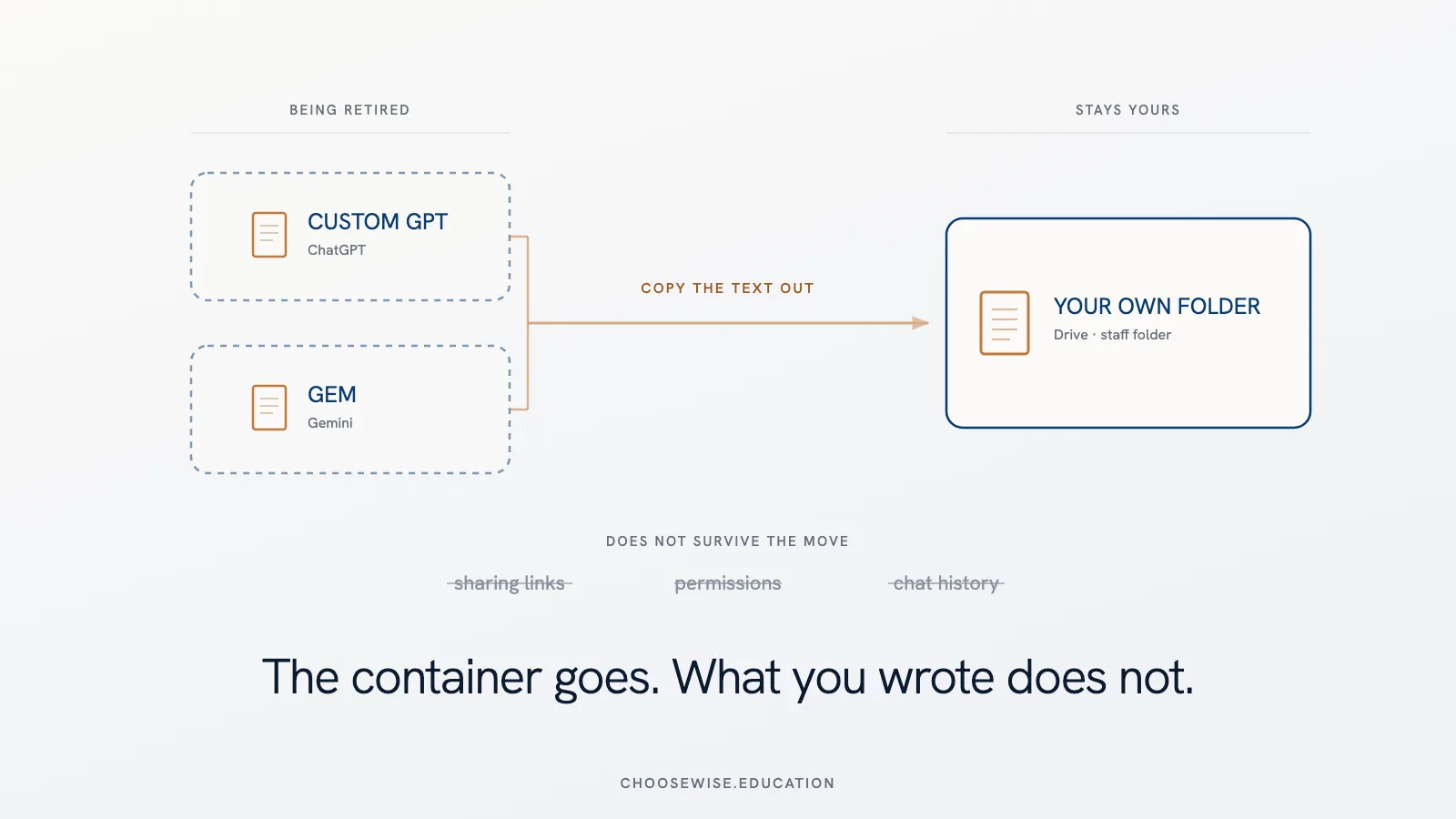
The text you wrote survives. Your instructions and your uploaded documents carry across to the new format, in both platforms, largely automatically.
What does not carry across is everything that made your assistant a shared resource. Sharing links break. Permissions reset, so a migrated assistant starts out private. Your conversation history with it stays behind. In Gemini, migrated Gems arrive switched off, and only the person who built it can switch it back on — so a Gem built by a colleague who has left your school becomes something nobody can activate.
That is the real exposure. Not the tool. The arrangement around the tool.
The one thing to do
Copy the text out of the tool and save it somewhere you control.
Open each GPT or Gem, go to the settings where you originally typed your instructions, and copy that text into a document in your own Drive, OneDrive or shared staff folder. Download any files you attached. Give it a sensible name and note who uses it.
That is it. Fifteen minutes for most teachers.
Do it because of a point worth sitting with: the instructions were always the valuable thing. Not the GPT, not the Gem. You wrote them, you refined them over a term or two until the output was genuinely useful, and that craft is yours. The container it happened to live in belonged to a company that has now decided to build a different container.
Once the text is in your own folder, this stops being a deadline and becomes a chore. Any future migration is then a copy-and-paste rather than a loss.
If you shared it with students or colleagues
Plan to tell them, and plan to rebuild the link. This is the part that fails quietly: the assistant still exists for you while everyone else gets nothing, and nobody reports it because it looks like it is working.
Anything connected to another system — a timetable, a database, a school platform — needs rebuilding outright and then testing on real examples, not just checking that the setup looks right.
The dates, briefly
Custom GPTs stop working in December 2026. Gems go in stages: personal Google accounts in November 2026, school and university Workspace accounts not before June 2027. Gems you built inside Google Classroom should be assumed not to migrate — rebuild those yourself.
The long deadline is the dangerous one. Twenty months is plenty of time to forget.
So: if your three most useful AI workflows had to be rebuilt somewhere else next term, could you do it from your own notes?
If not, the deadline is not your problem.