Designing slides — the basics
A good slide helps the audience understand you — it doesn't compete with you for attention. That's an important distinction: when the slide competes with you, the slide wins, and you as the presenter become redundant. These five rules make the biggest difference in practice.
One message per slide
Every slide should carry one message. Not two. Not more. One. If you have two things to say, build two slides.
This isn't a design rule — it's an attention rule. When a slide has two or more messages, the audience is forced to choose which one to follow. In practice they're no longer with you — they're inside their own heads, trying to sort it out.
Maximum six objects per slide
By object I mean anything visible: words, images, icons, lines, logos, etc. Once the count passes six, the audience loses the overview. It becomes noise, not signal.
A simple test: show your slide to a friend for two seconds, hide it, and ask what they saw. If the answer is vague, the slide has too many objects. You'll get to test the principle yourself in the next module.
Colour and contrast
The background controls the audience's focus. A light background pulls attention away from you as the presenter — the audience looks at the slide, not at you. A dark background is discreet — it slips into the room and lets you stand at the centre.
Before I explain, look for yourself. Here's the same text, the same typeface, the same size — four different backgrounds. Which is the most comfortable to look at, and which is the easiest to read?
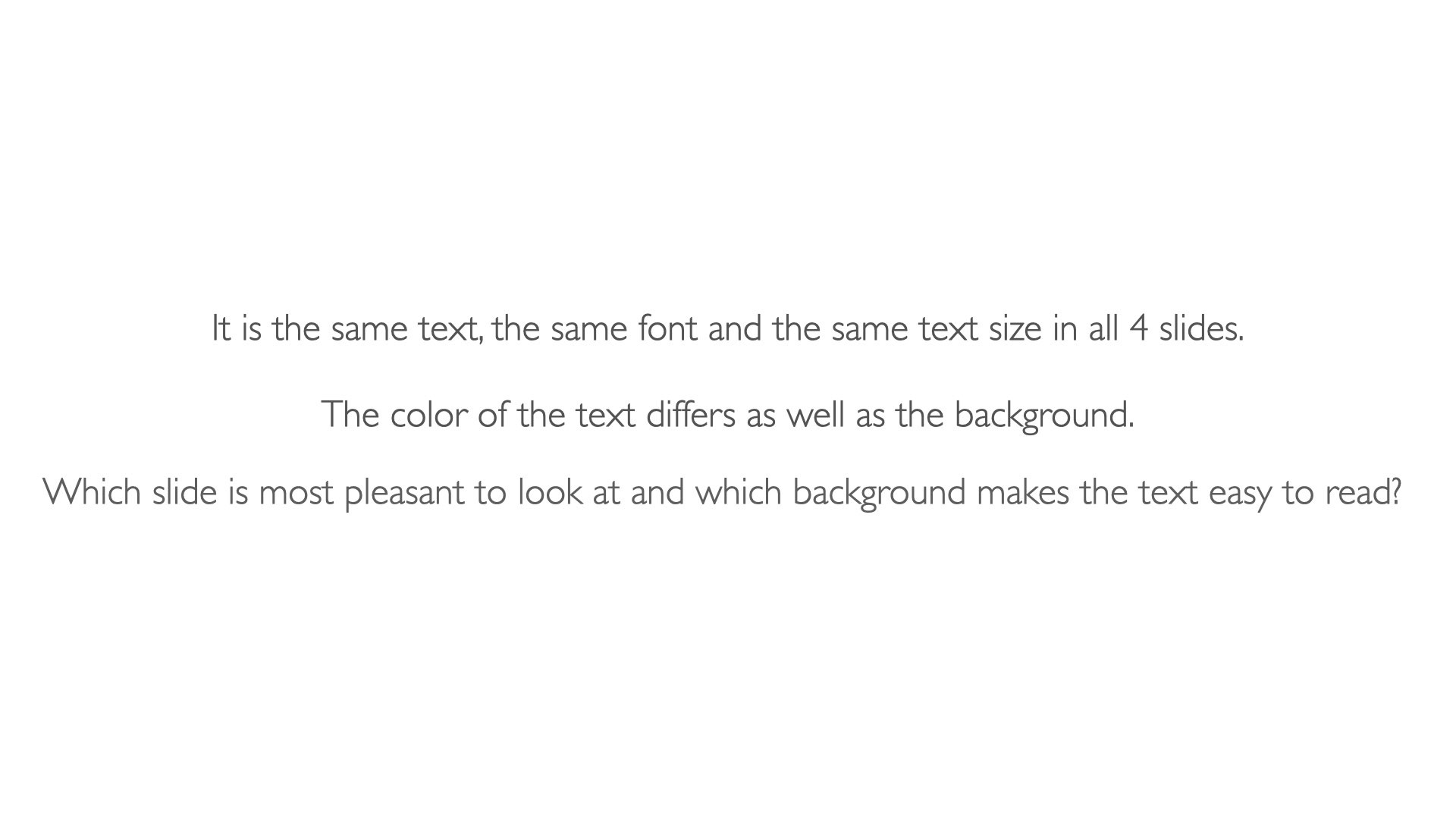
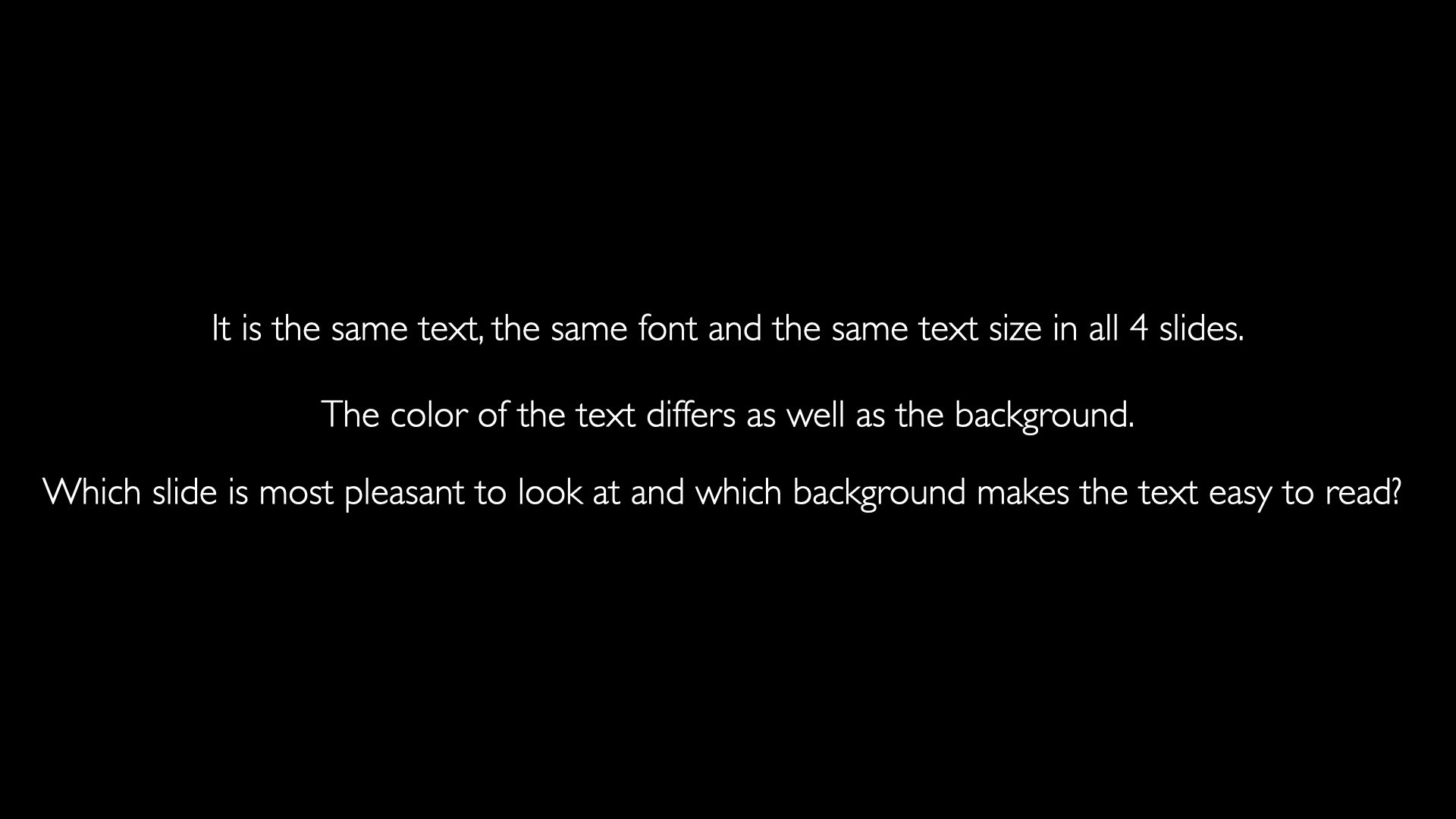
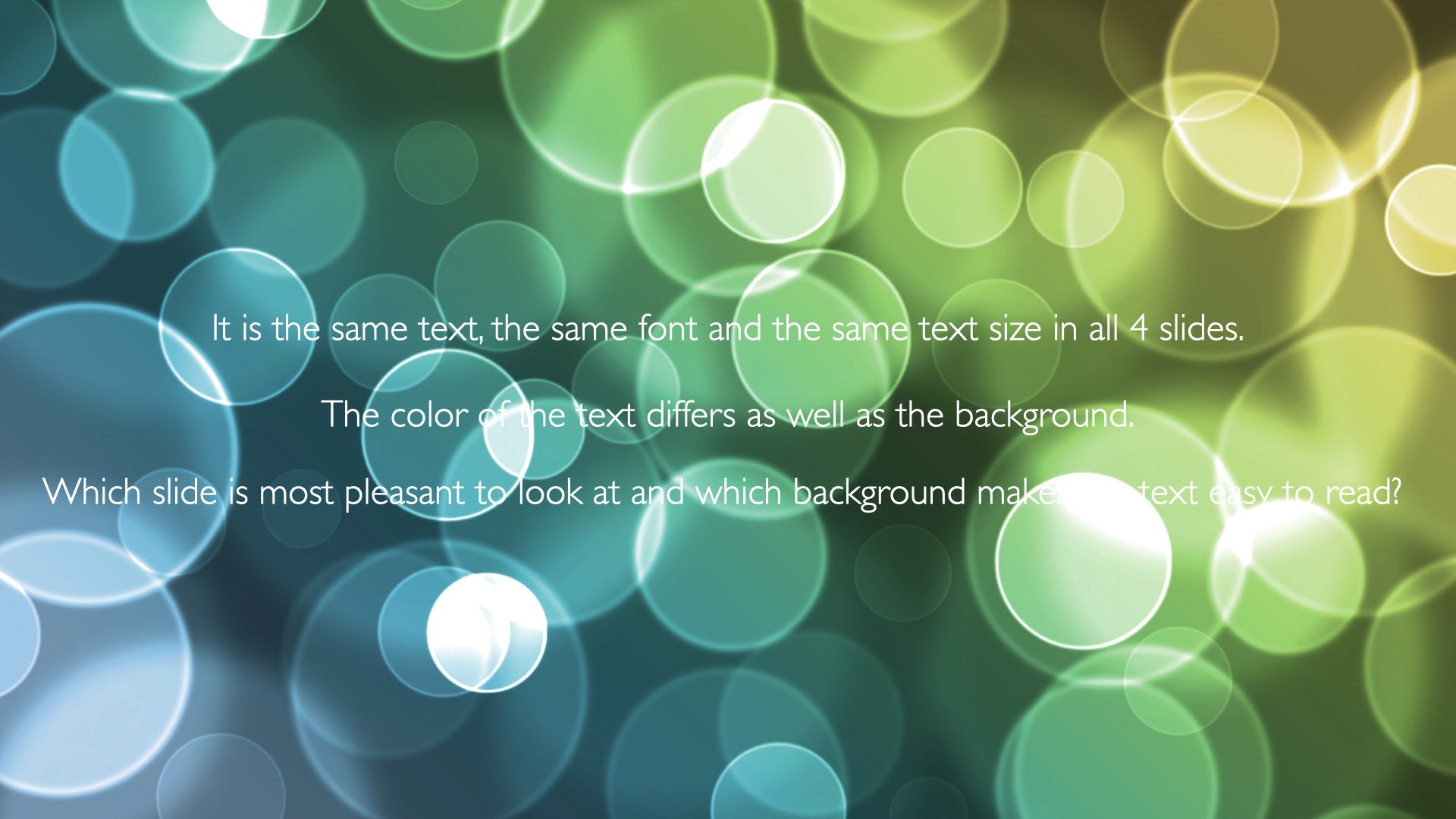
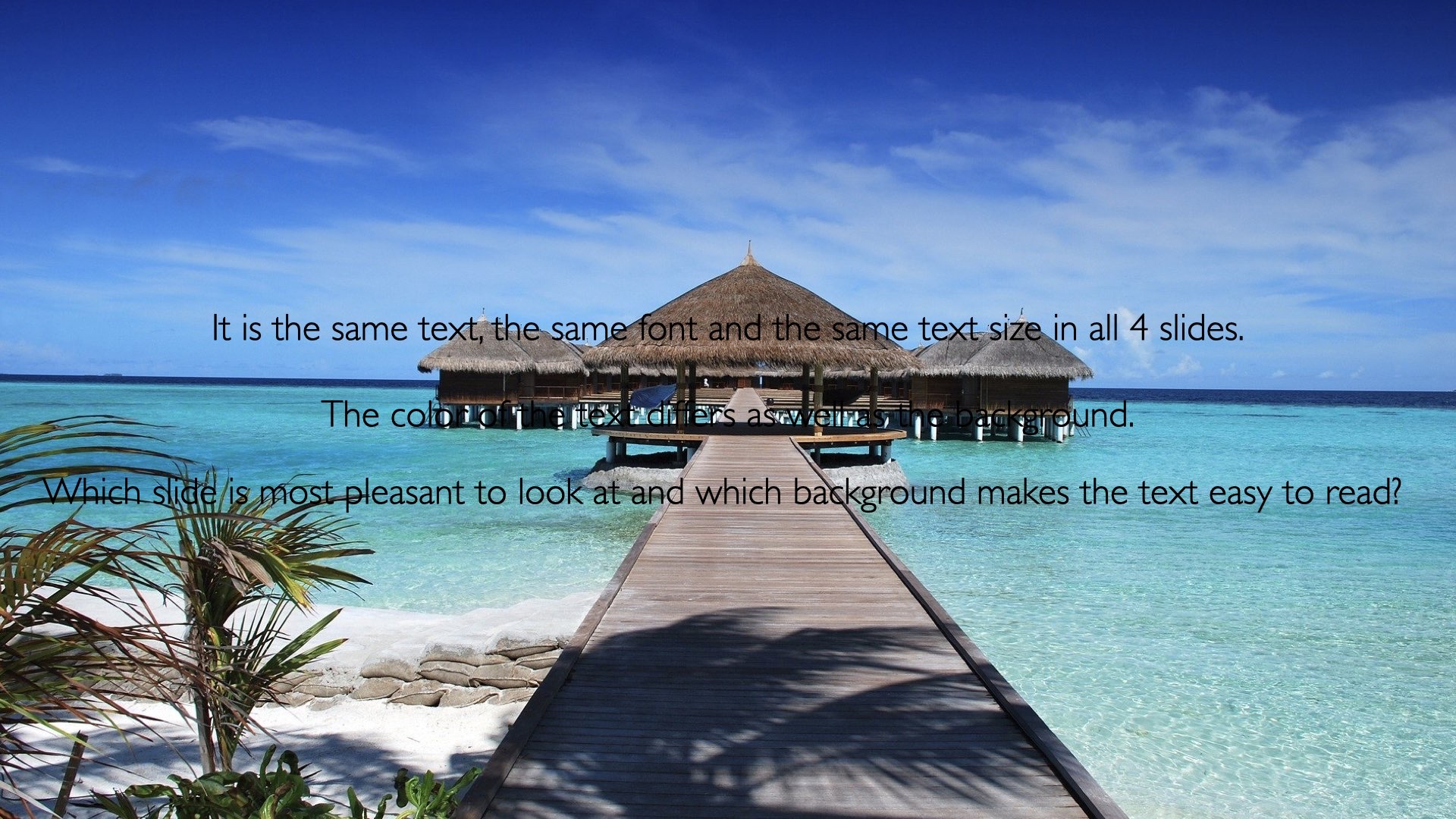
Almost everyone finds the white or the black background easiest, and the bokeh-blurred one hardest. That's not a matter of taste — it's how the eye works. A white background stimulates the audience's eyes constantly. For a short presentation it doesn't matter. For a long one, it tires the audience more than a black background would. White light also dazzles you when you're using a projector, which is another reason a black background can be better than white.


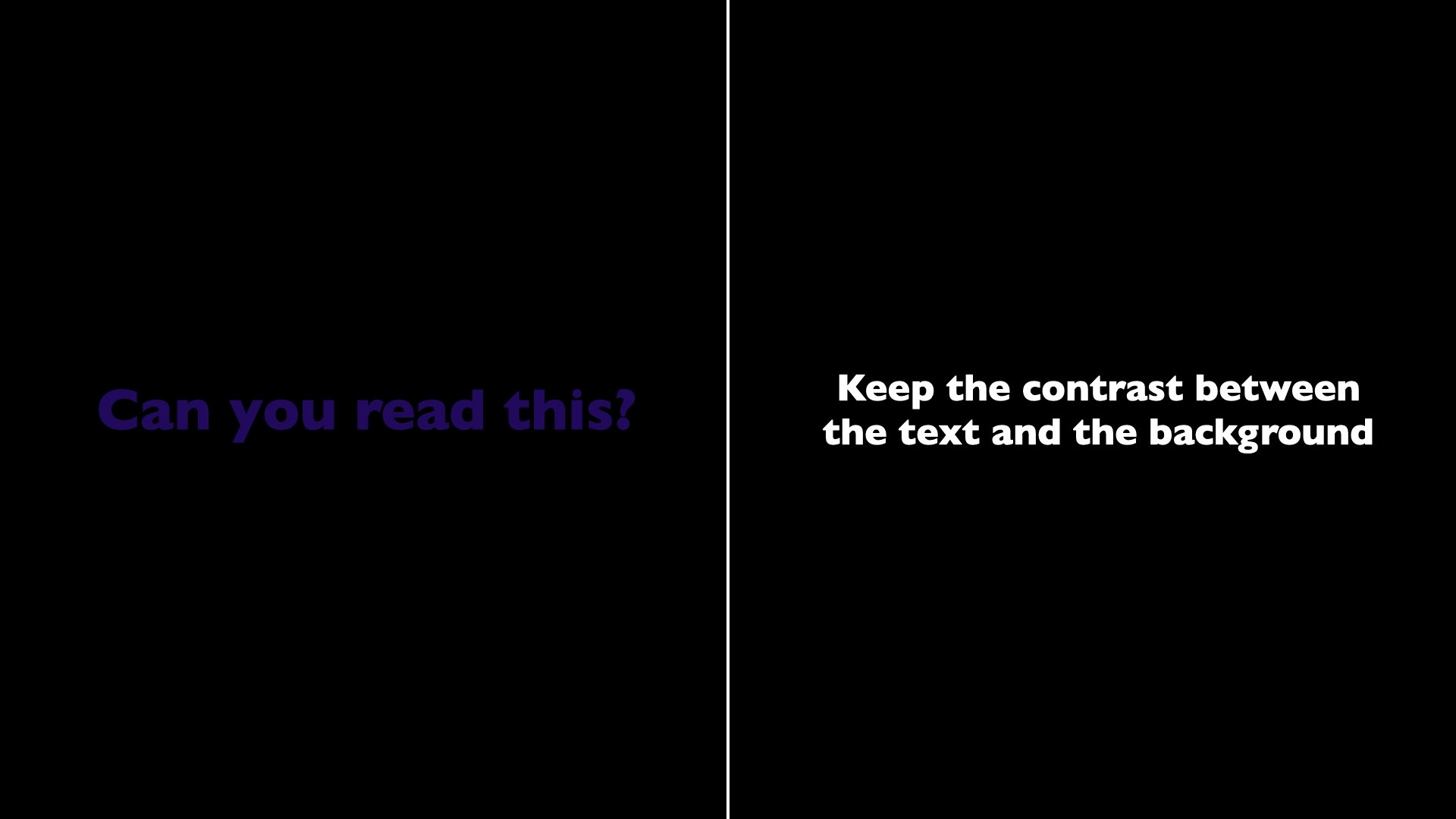
Use few colours, and use them consistently. The rainbow isn't a design system. Two accent colours (one calm, one strong signal) go a long way. And always keep clear contrast between text and background — if you're hesitating about readability, the contrast is already too low.
Typography
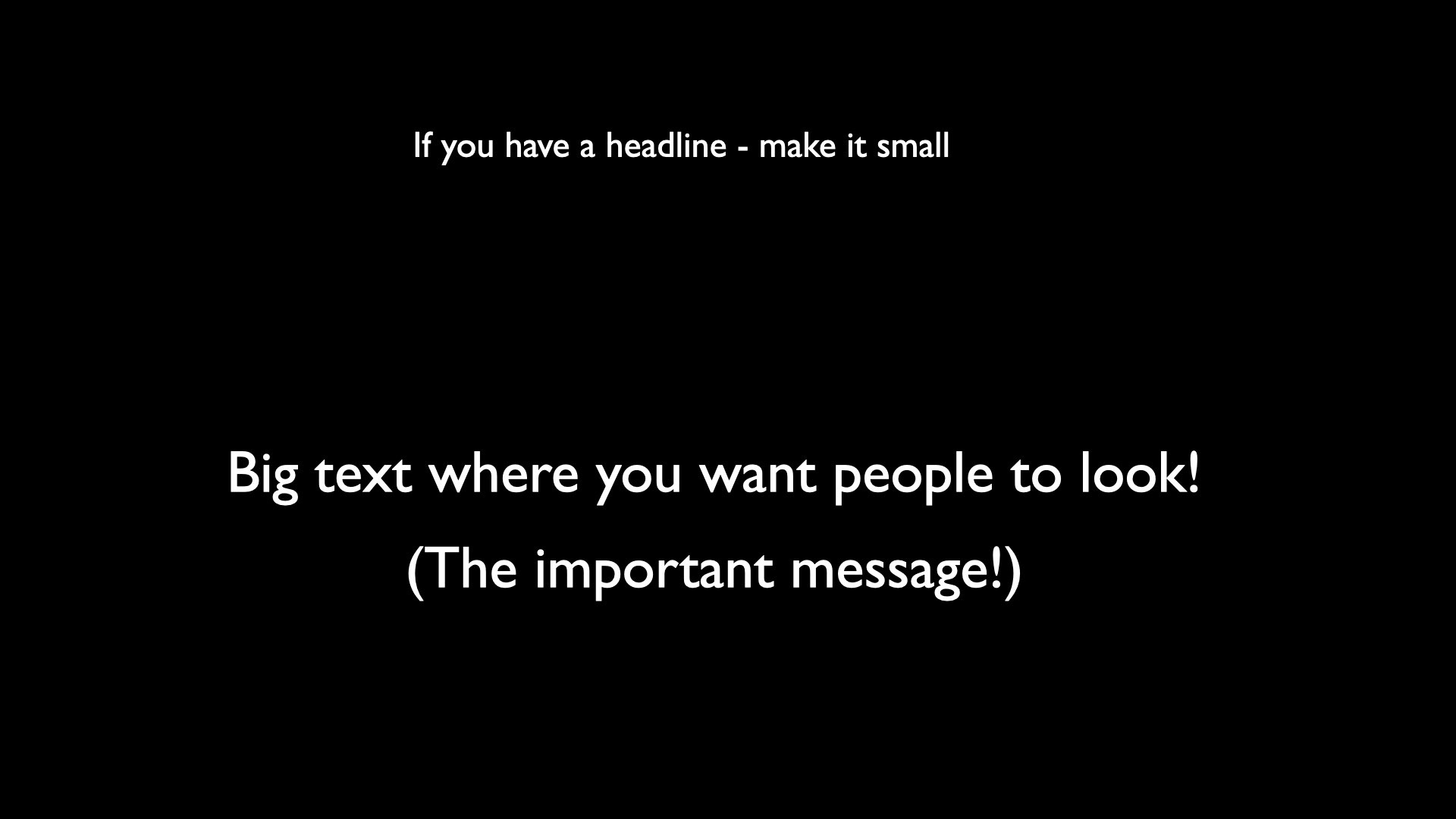
Large type sizes where you want the audience to look. Small ones where it's reference information. That's often the opposite of what templates encourage — there the heading is always the largest, whether or not the heading is what matters most.
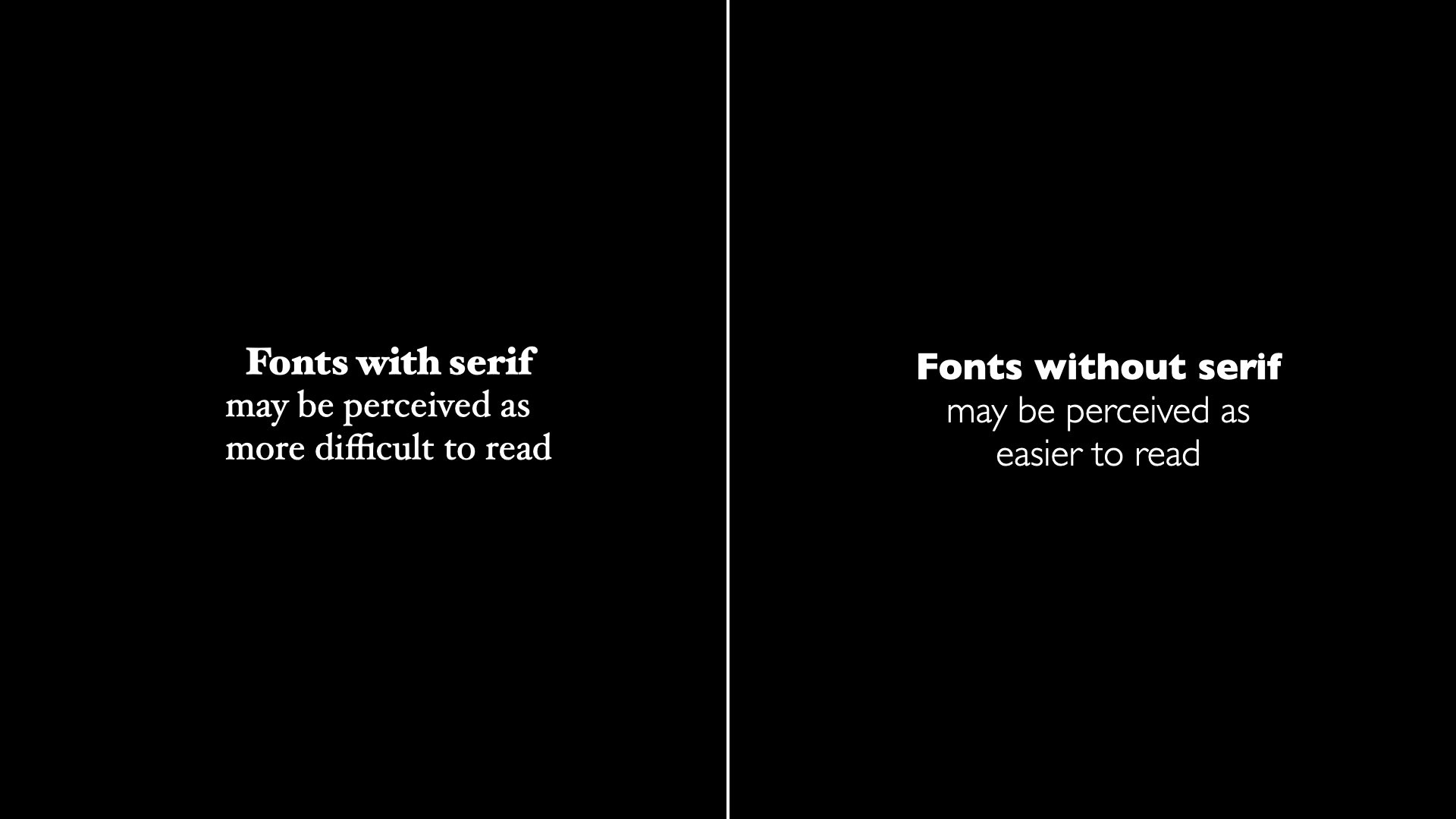
Sans-serif (e.g. Helvetica, Inter, Arial) is usually perceived as easier to read from a distance; serif (e.g. Garamond, Fraunces, Times) can feel heavier but adds character. Pick one family and stick with it.
Steer the eye with colour
Colour can turn a single word on a slide into the only thing the audience remembers. When everything is greyscale except one object, that object grabs the eye instantly — without you having to say anything.
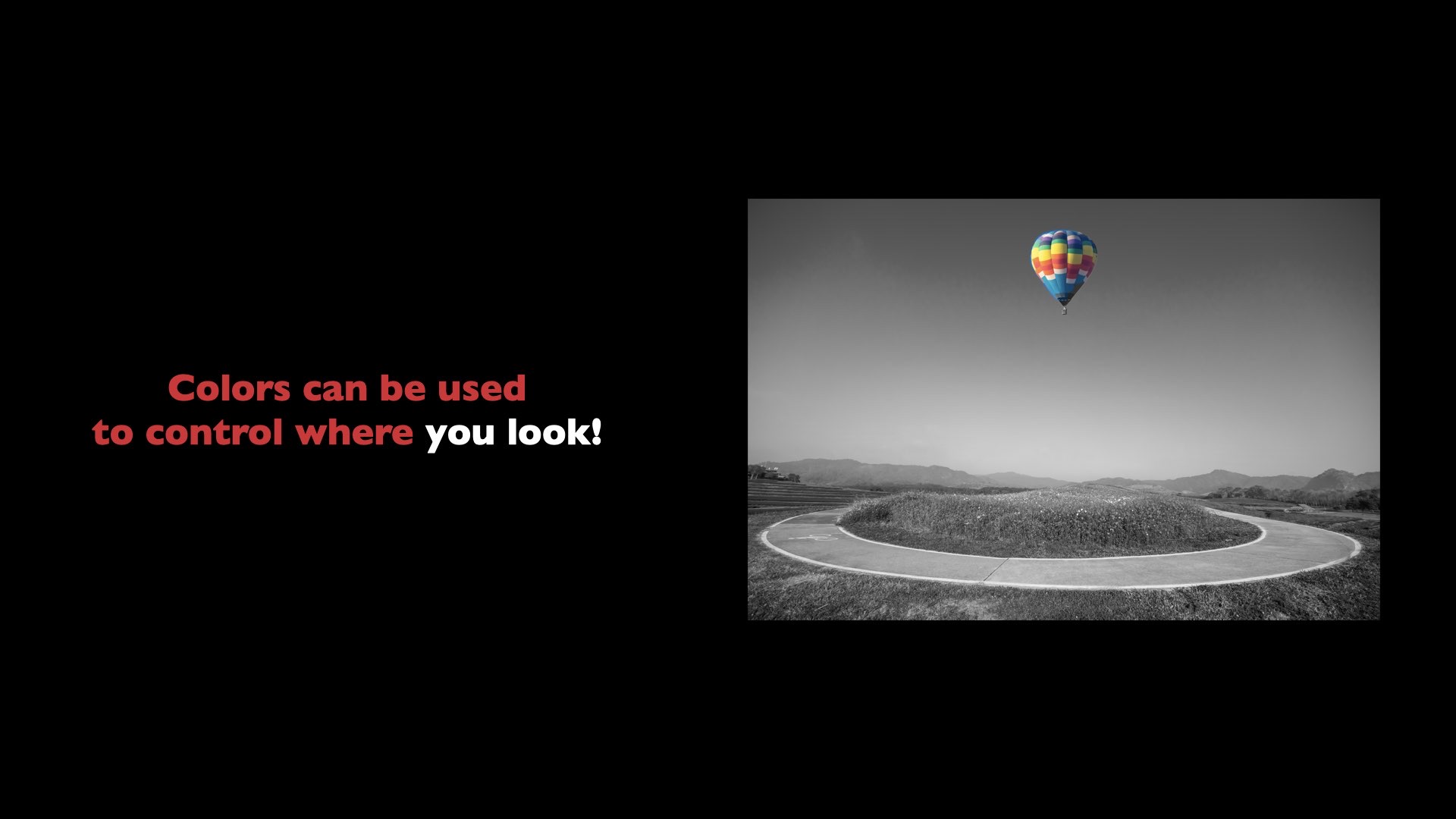
It's a powerful tool — and exactly because of that, it should be used sparingly. When everything is colour-marked, nothing is. In practice: one accent per slide, ideally a single word, a single number or a single object.
Exercise: one slide, two versions
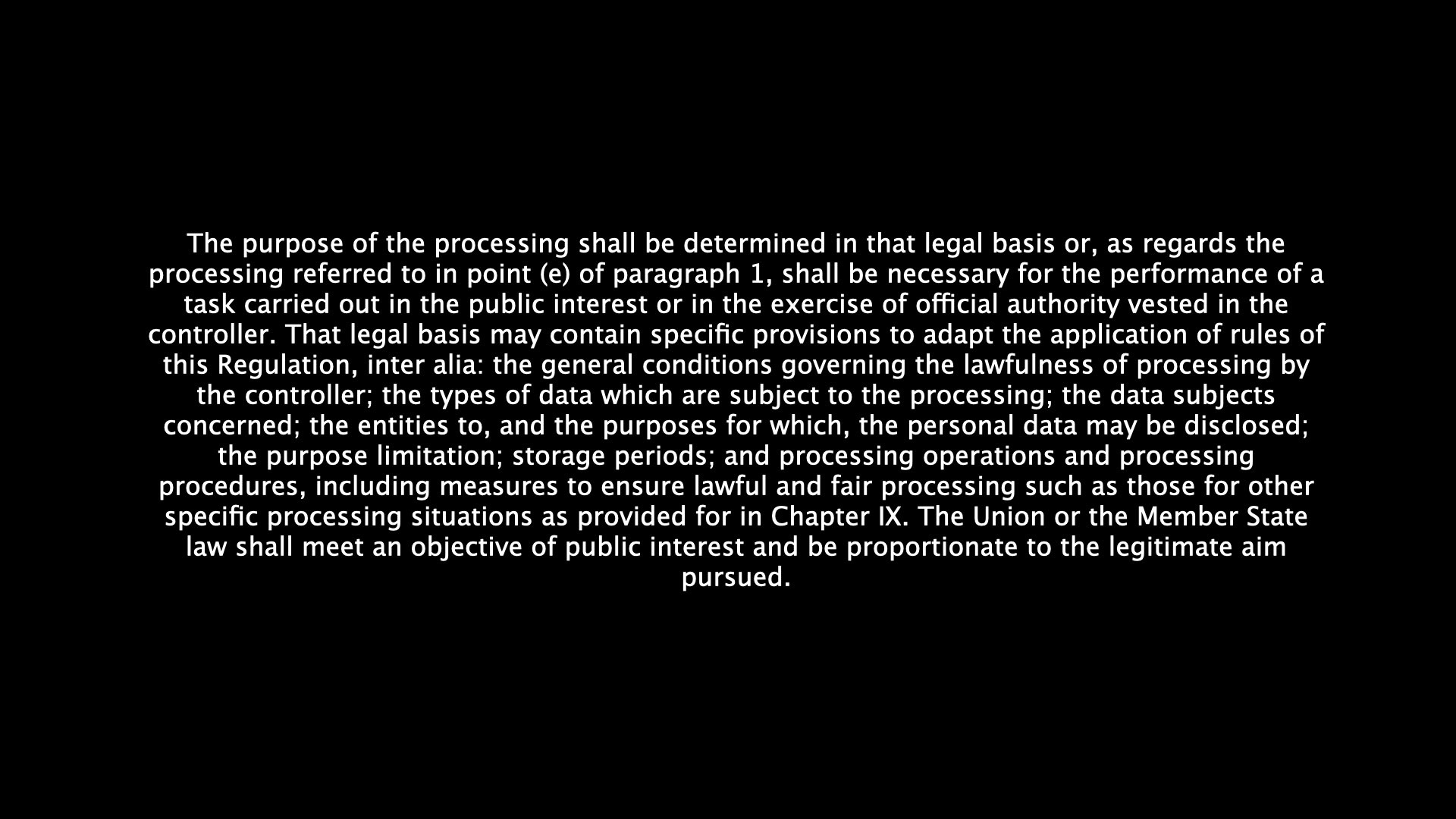
Here's an entire paragraph of curriculum text on a slide. Click to see how the same text can be presented with the focus on what actually matters.
Deep dive: colour theory and typography for presenters
Practical principles from the design world, translated for you who don't design but do present. ~7 min read.